Compare · Time tracking
WorkMonitor vs Toggl Track
A fast, well-liked manual timer with strong reporting, popular with freelancers and agencies.
Written from public materials and reviewed August 30, 2026. Check anything here against Toggl Track’s own site before you decide, and everything below about WorkMonitor carries the same live, beta and planned marks as our product pages.
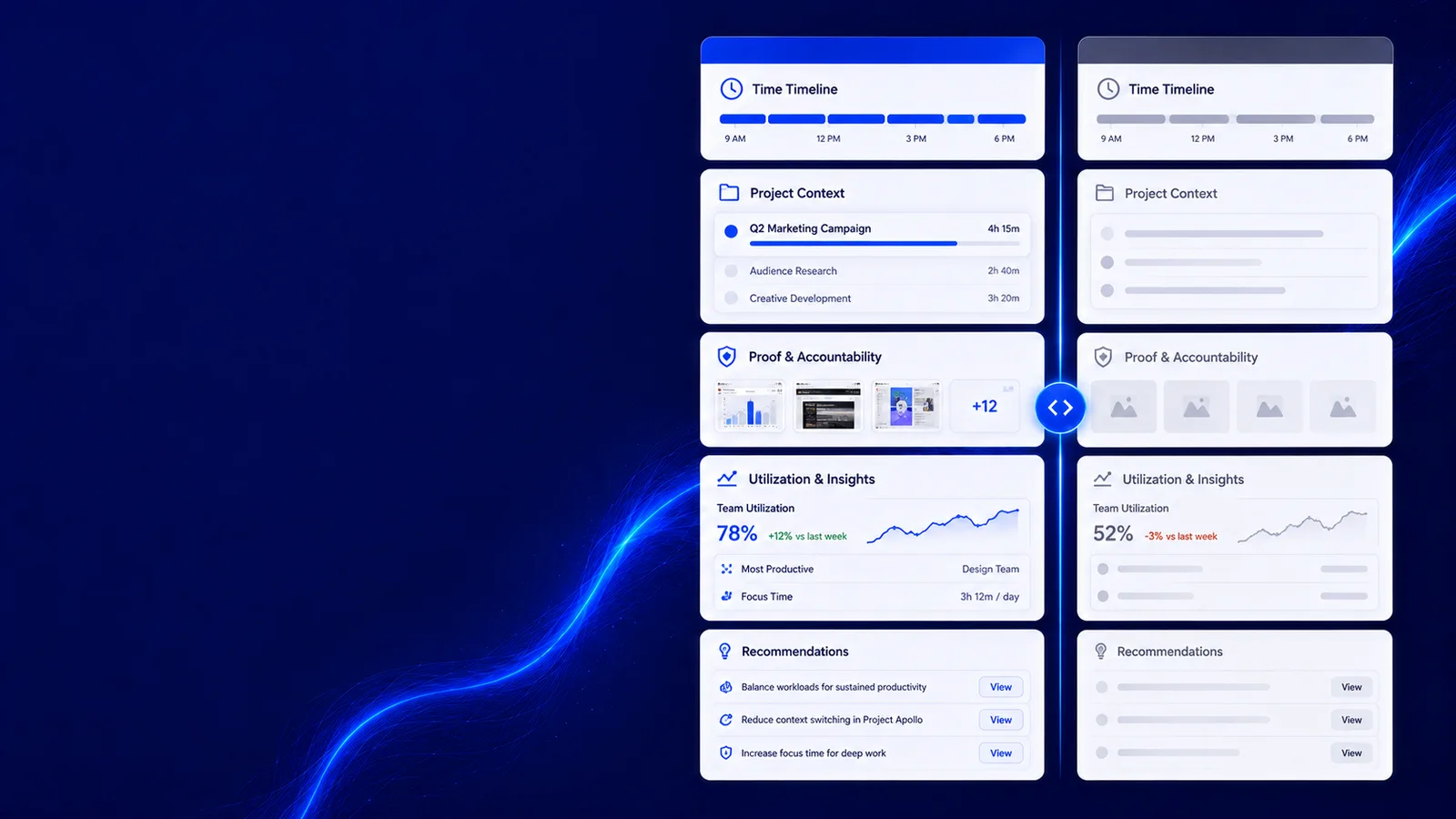
Filling in a timesheet, or having one already written
workmonitor.vsTimer-based time tracking
How the sheet gets filled
With WorkMonitor
Captured as the work happens, with idle detected and split out rather than rounded away.
Timer-based time tracking
Somebody starts a timer, or reconstructs the week on Friday from a calendar and memory.
Corrections
With WorkMonitor
Corrections append, carrying the author and the reason, with the original still readable.
Timer-based time tracking
A cell is overwritten. The original number is gone, and so is the reason it changed.
From hours to money
With WorkMonitor
Approved hours seed the invoice and the payroll run directly, through one shared rate engine.
Timer-based time tracking
Export, reformat, paste into payroll or invoicing, then reconcile to find what got mangled.
Rounding
With WorkMonitor
An integer-cent pre-flight that has to balance before a run can be exported.
Timer-based time tracking
Floating-point maths in a spreadsheet, discovered at audit as a recurring few pence.
Proving the hours
With WorkMonitor
A finalized invoice seeds a certificate the client checks themselves, without an account.
Timer-based time tracking
A line item and a total. The client either accepts it or opens a thread about it.
Who signs it off
With WorkMonitor
Multi-stage approval that refuses a self-approval rather than warning about it.
Timer-based time tracking
Whoever has the file, which is usually more people than anyone intended.
- Today
- Insights
- Activity board
- Live screens
- Team
- Agents
- Integrity
- App categories
- Reports & digests
- Capacity
- Product7824131h
- Design476172h
- Engineering14756262h
- Operations271235h
- Support9682168h
- Sales6643108h
What WorkMonitor ships, with its real status
- Productivity scoring (score, heatmap, category breakdown, rollups)
- Score explainability / breakdown
- App classification & category overrides + per-app privacy deny-list
- Focus & deep-work analysis
- Workload capacity signal (feeds AI Burnout Guardian)
- BI warehouse export (connector in Integrations)
When Toggl Track is the better answer
You want a timer people genuinely enjoy using and no monitoring layer whatsoever. That is a legitimate position and we are not it.
If that is the deciding requirement, buy that instead. Nothing on this page is worth reading if the unflattering half is missing from it, which is also why every capability above carries its real status rather than a tick.
Switching
Your Toggl Track history comes across
Nobody switches tools if it means abandoning a year of history. The importer carries a mapper for Toggl Track exports — their header names, date formats and duration formats, lined up with ours — so the CSV you already have is the CSV we take, and it lands on the same ledger as everything captured after it.
Ask AI
Ask anything about your team
Plain-language answers about your own workforce data, with the figures behind them. Pick a question to see how it reads.
Pick a question above and WorkMonitor AI will answer from your team's real numbers.
Also comparing
Other time tracking tools
- WorkMonitor vs ClockifyFree time tracking for unlimited users, with timesheets, reporting and paid tiers above it.
- WorkMonitor vs HarvestTime tracking with invoicing and expense handling, long established with agencies and studios.
- WorkMonitor vs TimeCampAutomatic and manual tracking with project reporting, billing and attendance features.
- WorkMonitor vs EverhourTime tracking that lives inside project tools, with budgets and estimates against tasks.
Take these with you
The software is the easy part of a rollout
Here is what we would send a manager doing one for the first time: how to read a productivity number, what to say to a remote team before anything is installed, and a policy you can adopt as written.
Point it at one team for a week.
Create the account, put the agent on a handful of desks, and leave it alone. On Friday you read the week instead of reconstructing it: hours against their projects, focus and idle per person, and the timesheets already filled in.
Free for two seats. No card, and no sales call to sit through.