Use case · Verified Work Certificates
Proof that ends the invoice argument
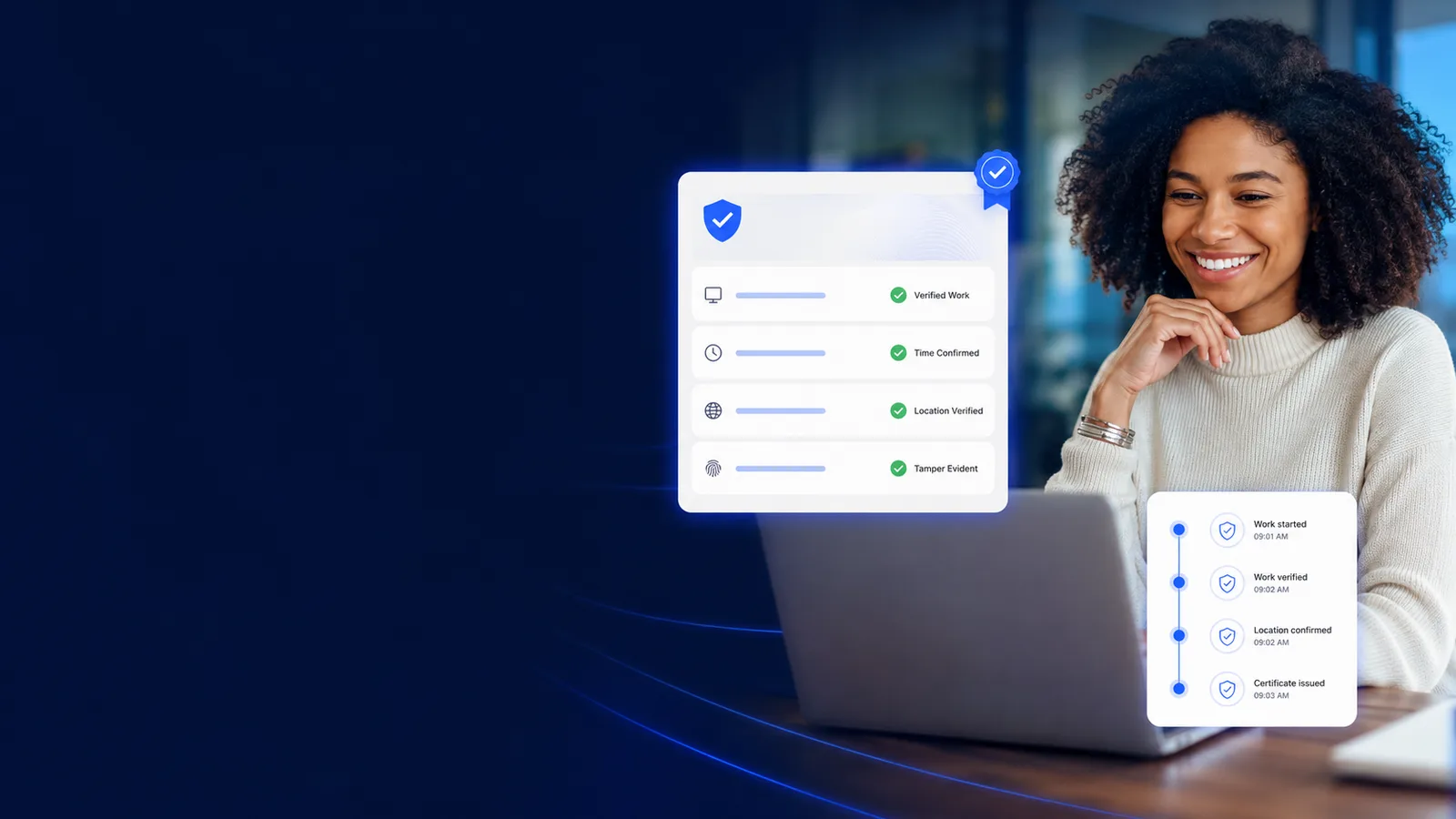
A queried invoice costs you a week of assembling screenshots. Finalize it here and it mints a signed, timestamped, WORM-anchored certificate the client verifies on a public page.
Free for two seats, no card.
- Capture the work edgesShipped work, commits, tickets, documents, active-tab URLs, is recorded as it lands, with integrity signals raising or lowering the tier of the resulting record.
- Finalize the invoiceApproved hours and delivered outcomes roll into an invoice. Finalizing it is the event that seeds a Verified Work Certificate.
- Sign, timestamp and anchorThe certificate is Ed25519-signed and timestamped, hash-chained into the audit trail, and anchored to write-once storage.
- Share a link that verifies itselfSend the URL, embed the widget, or hand over a bundle to paste into the verifier. Whoever receives it checks it without asking you for anything.
Prove work with certificates
What makes a certificate worth showing a client
Every line here opens the screen it happens on. Judge the job on what it puts in front of a manager, not on the sentence describing it.
How it works
From a work edge to a link that verifies itself
- 1
Capture the work edges
Shipped work, commits, tickets, documents, active-tab URLs, is recorded as it lands, with integrity signals raising or lowering the tier of the resulting record.
- 2
Finalize the invoice
Approved hours and delivered outcomes roll into an invoice. Finalizing it is the event that seeds a Verified Work Certificate.
- 3
Sign, timestamp and anchor
The certificate is Ed25519-signed and timestamped, hash-chained into the audit trail, and anchored to write-once storage.
- 4
Share a link that verifies itself
Send the URL, embed the widget, or hand over a bundle to paste into the verifier. Whoever receives it checks it without asking you for anything.
Screenshots in a slide deck vs. a certificate that verifies itself
workmonitor.vsScreenshot evidence
6differences, worked through below
What the client receives
With WorkMonitor
A URL that returns a cryptographic verdict, computed by the page rather than asserted by you.
Screenshot evidence
A PDF of screenshots and a spreadsheet, both of which you produced and both of which they have to take on faith.
Tamper resistance
With WorkMonitor
Write-once anchoring and a hash-chained trail: a change breaks the chain and the verifier says so.
Screenshot evidence
An image can be cropped, retouched or reordered, and a spreadsheet cell can be typed over.
What proving it costs you
With WorkMonitor
Selective disclosure reveals the fields you choose. The record is built from work edges, so there is no screenshot to hand over in the first place.
Screenshot evidence
Proving the work means showing the screen, which puts the client’s own data, and everything else that was open, into a file you now have to look after.
Who has to be trusted
With WorkMonitor
Nobody. The signature is checkable against your organisation’s published JWKS key.
Screenshot evidence
The vendor, the account manager, and whoever assembled the deck.
Where it lives
With WorkMonitor
A permanent verifier URL on your own domain, embeddable in your portal and still checkable long after the project closed.
Screenshot evidence
An email attachment that ages out of the thread and cannot be re-verified next year.
Placing the same people again
With WorkMonitor
Worker-owned credentials let a contractor carry a co-signed, publicly verifiable history into the next engagement.
Screenshot evidence
The evidence sits in your files and stops there, so every new engagement starts the credibility argument from nothing.
Everything inside the Proof Ledger
- Zero-screenshot work-edge record
- Shipped-work outcome verification
- URL/active-tab work-edges (zero pixel)
Ask AI
Ask AI about your proof
Answers drawn from the ledger itself. What is anchored, what tier it reached, and what a verifier would say about it today.
Pick a question above and WorkMonitor AI will answer from your team's real numbers.
The status meeting, already written
Status is normally assembled by asking. Here it is already: hours, activity, attendance and risk on one board, for one person or the whole company. Set the thresholds once and it tells you who needs you.
Who runs this
Teams that have to prove the work
Straight answers
The questions we would ask in your position
Every answer here is the one you would get on a call. Open as many as you like; they stay open, so two can be held side by side.
No, and that is deliberate. Proof that requires the recipient to sign up for a vendor’s product is proof nobody checks, which means the query still lands on your account manager.
The claim about the work, the signature, the timestamp and the anchoring state, plus whichever fields you selectively disclose. It is not a screenshot album. The record is assembled from work edges such as commits, ticket transitions, document revisions and active-tab URLs, so there is no pixel capture in the proof path at all.
Every organisation signs with its own Ed25519 key, with the public half published through JWKS so a third party can verify a certificate without taking our word for it. Bring-your-own-key signing, on a key your security team holds, is on the roadmap rather than shipped.
They cannot, silently. Certificates are hash-chained into the audit trail and anchored to write-once storage. An alteration breaks the chain, and the verifier reports that instead of quietly passing.
Yes. Embeddable verification widgets, white-label branding and custom domains are all live, so the badge sits on your domain with your name on it. There is also a typed REST API and SDK if you would rather render the verdict yourself.
Keep going
The jobs next to this one
Same record, read for a different question. Each one opens the page written for that job.
- Bill defendable client hoursBudgets that burn down while you can still move somebody, rate-card billing off captured hours, and an invoice the client verifies without asking you for anything.
- Track time automaticallyNo timer to start, no Friday reconstruction. Idle is split out rather than estimated, and approved hours reach payroll and invoicing without a re-key.
- Monitor legally & stay compliantVersioned consent, a capture scope that cannot quietly widen, retention and DSAR handling, and written guidance for 32 jurisdictions before you roll out in one.
Take these with you
The software is the easy part of a rollout
Here is what we would send a manager doing one for the first time: how to read a productivity number, what to say to a remote team before anything is installed, and a policy you can adopt as written.
Point it at one team for a week.
Create the account, put the agent on a handful of desks, and leave it alone. On Friday you read the week instead of reconstructing it: hours against their projects, focus and idle per person, and the timesheets already filled in.
Free for two seats. No card, and no sales call to sit through.